
 New Qualcomm Chip Set To Supercharge Affordable 5G Phones
  ‘Pink Slime’ Websites Outnumber Daily Newspapers on the Internet
  Apple Goes All-In on a Privacy-Based AI Experience
  Apple Outdoes Google and Microsoft in AI Rollout
  Windows 10 End of Life Could Bury Landfills in E-Waste










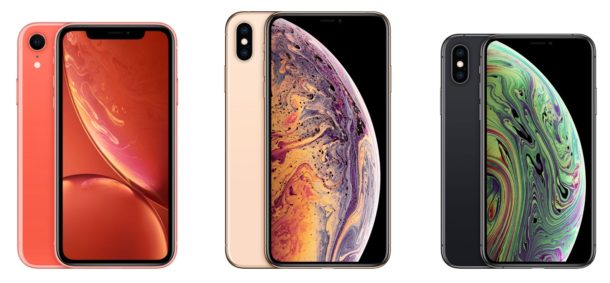
If you have an iPhone XS, iPhone XR, or iPhone XS Max, you might be wondering how to quit apps and access the multitasking App... Read More
Blog
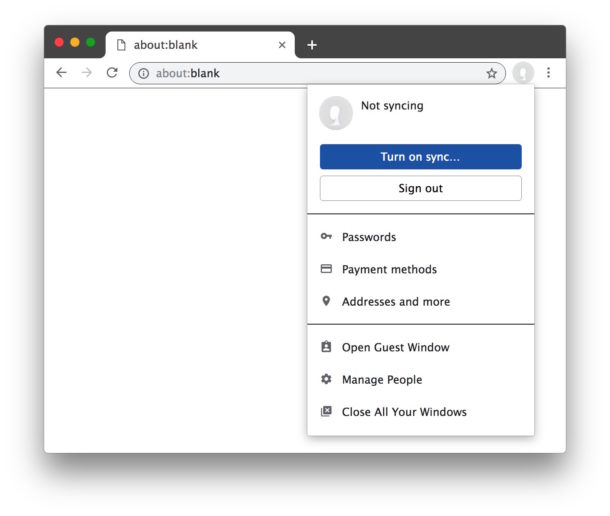
The latest versions of Google Chrome have a feature called Chrome sign-in that causes the Chrome web browser to login to itself when you login... Read More

“Ahhhh my Mac isn’t working! I need to reset the SMC!” You have tried rebooting, you’ve reset the PRAM, you’ve done it all, but your... Read More

Resetting the SMC on newer model MacBook Air and MacBook Pro computers from the 2018 model year onward is a different process than resetting the... Read More

You can capture Live Photos of FaceTime video calls at any time during a FaceTime video chat on iPhone or iPad. This offers a fun... Read More

Some 2018 MacBook Air (and possibly 2018 MacBook Pro) computers may exhibit seemingly random screen flickering, where the entire display backlight blinks and flickers. This... Read More
Recording voice notes on the Mac is now easier than ever thanks to the appropriately named Voice Memos application in Mac OS. While Mac users... Read More
If you have recorded voice memos on the Mac you may have then decided you’d like to save a voice memo as an audio file.... Read More
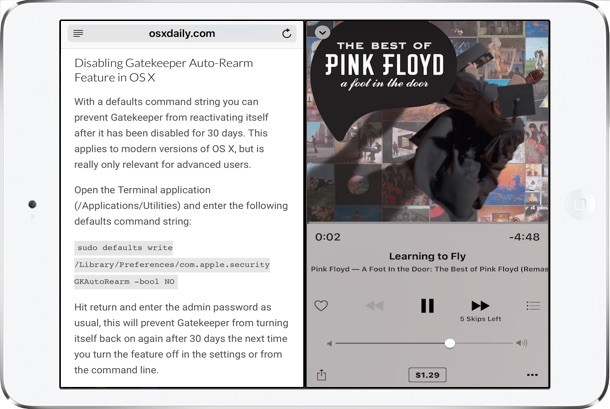
The latest versions of iOS for iPad include a great multitasking feature called Split View, which, much as it sounds, allows users to split the... Read More
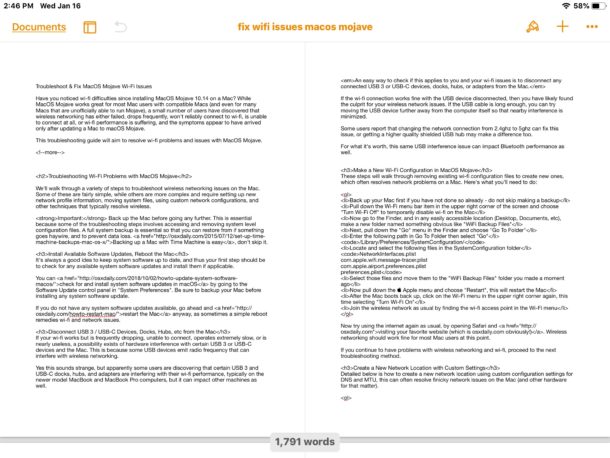
If you want to see multiple pages of a Pages app document open at the same time on iPad, you can use the “Two Pages”... Read More
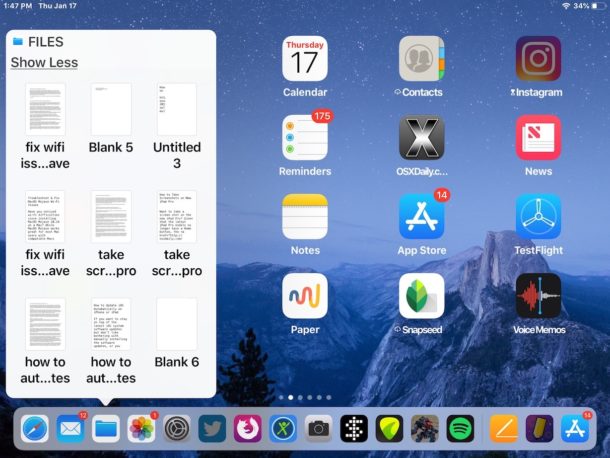
If you interact with the Files app frequently in iOS, you might be pleased to discover that the Files app offers a quick and easy... Read More
Sometimes you may need to forcibly restart an iPad Pro, usually because of some freezing software or buggy behavior, but sometimes just as a general... Read More

By Conner Carey updated on 04/02/2018 A lot of people are asking, "How do you use Voicemail Transcription on iPhone?" This voicemail-to-text feature on iPhone takes your voicemail audio and transcribes it so you can easily read the voicemail. Some love the feature, others hate it; the debate rages on. One thing is for certain: you can't turn Voicemail Transcription off at this time. And if you're wanting to use Voicemail Transcription on iPhone 6 or earlier, I'm afraid it isn't going to work. The feature itself is pretty easy to use, but it can be a little glitchy. If Voicemail Transcription is not working on your iPhone, check to make sure your phone is running the latest iOS. Nonetheless, we'll go over what to do if Voicemail Transcription is not working on your iPhone. Here's how to use the voicemail-to-text feature known as Voicemail Transcription on iPhone. ... Read More
By Becca Ludlum updated on 02/05/2018 If you can imagine it, there’s probably a way to do it with the iPhone. One of the things you might not know about your iPhone is how to hide text messages. It’s easier than you might think to hide text messages on iPhone. You can lock messages, hide messages, and even turn off message preview on iPhone so that your personal information stays just that...personal. There are even some secret texting app options on the market for iPhone. This makes it easy to figure out how to hide your messages on iPhone. If you are trying to figure out how to hide contacts on iPhone, we will cover that while discussing how to lock iPhone messages and how to find hidden text messages.... Read More

By Paula Bostrom updated on 03/22/2018 From big chain stores to small businesses, Apple Pay is accepted at over four million locations. Still, it's not always obvious whether or not a retailer accepts Apple Pay. If you want to know where Apple Pay is accepted, there are a couple different methods to use. I’ll include a general list of stores that you can use Apple Pay at; but it would be nearly impossible to list all the stores, which is why I’ll also give you some tips on how to find Apple Pay locations near you. You can actually view places that take Apple Pay in the Maps app on your iPhone or iPad, which is the most accurate way I’ve found for knowing what stores, whether local or corporate, accept Apple Pay. So, who accepts Apple Pay? Let’s take a look at where you can use Apple Pay.... Read More

By Conner Carey updated on 04/02/2018 Every iPhone user needs a rugged protective case, and many iPhone users will also want to find the best waterproof case to protect their device from all of the elements. Users with one of the new iPhone 8 or iPhone 8 Plus models are likely a bit weary of Apple’s reintroduction of the glass back. Which means it's time make sure it's shatterproof with an iPhone case that’s tough. Some of the best protective, heavy-duty iPhone 8 cases are already hitting the market. We’ll feature cases with military-grade drop protection, shock resistance, and who can forget the waterproof iPhone cases. Even though the iPhone 8 and 8 Plus are water resistant, for those who want to swim with their iPhone, a waterproof case is still absolutely needed. However, we’ll also include cases for those solely concerned with drop protection, so you can find the most protective case for your iPhone 8. Let’s get to it. Here are the best protective cases for the iPhone 8 and iPhone 8 Plus: waterproof, rugged, and tough.... Read More
By Conner Carey on Fri, 12/15/2017 There are multiple ways to turn off your iPhone X. You can power off your device using the buttons, from within the Settings app, or you can perform a hard restart (aka a force shutdown) if needed. Generally you’ll use the first two methods for restarting your iPhone, but the third is good to do if your device freezes or is acting a bit too slow. We’ll go over each way for powering off and restarting your iPhone X and how to turn on your device once you’ve shut it down.... Read More