Best touchscreen laptops 2022 | PCWorld
Whether you’re a content creator or a business professional, if you’re looking for a laptop with a great touchscreen, you’ve come to the right place. Back in the days of old, it used to be something of an insurmountable task to pinpoint a laptop with a decent touchscreen. Well, those days are long past. However, with so many options out there, it can still be rather daunting. If you’re not sure where to begin, don’t sweat it. The team here at PCWorld curated a list of the best touchscreen laptops you can buy right now. How can we be so confident in our picks? We’ve had hands-on experience with every single one of them. Read on to learn more.
[The best laptops: Premium laptops, budget laptops, 2-in-1s, and more]
Updated 10/11/2022 To include the Dell Inspiron 16 as our new pick for best battery life. For more about our new pick, check out the review below.
1. Lenovo ThinkPad X1 Carbon Gen 9 – Best overall/best premium productivity laptop
Pros
- Roomy 16:10 display
- Thin and light yet rugged
- Stellar keyboard
- Quiet operation
- Booming audio
- Two Thunderbolt 4 ports
Cons
- Webcam limited to 720p
- Display color is a bit cool
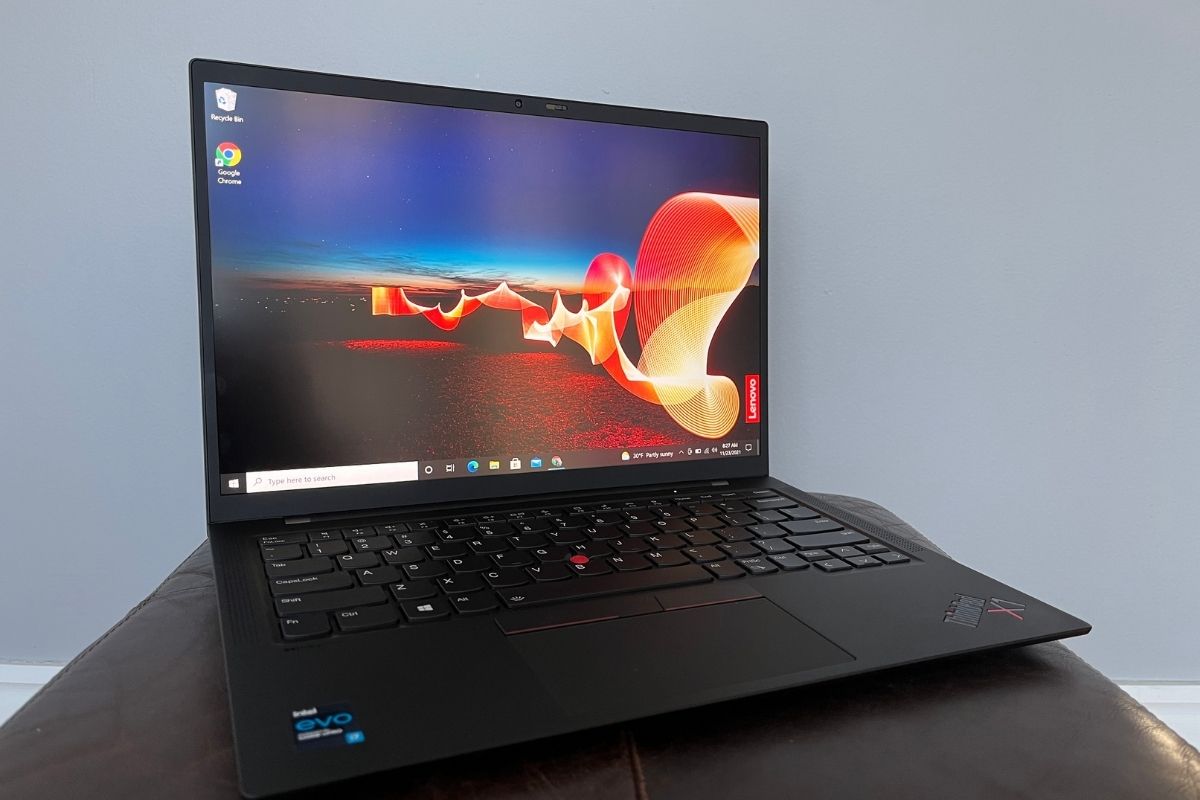
If you’re looking for a fantastic touchscreen for getting work done, the Lenovo ThinkPad X1 Carbon Gen 9 is a good option. The 14-inch 1080p IPS display is touch-enabled—albeit only on select models, so shop carefully—and has a roomy 16:10 aspect ratio. The taller display means scrolling less through long documents and whatnot. As for visuals, the screen “boasts a crisp image” and the contrast is “excellent.” In addition to the sharp images, the display also produced “bright whites and deep blacks.” In addition to the fantastic screen, the keyboard is snappy and quiet and there’s a decent array of ports.
Read our full
Lenovo ThinkPad X1 Carbon Gen 9review
2. Dell XPS 17 9710 – Best for content creators
Pros
- Huge 17-inch screen in a relatively compact laptop
- Powerful Intel CPU and Nvidia RTX graphics
- Excellent port selection for video and image editing
- Superb display
Cons
- No USB-A port and no Gigabit Ethernet
- Hybrid charging likely sacrifices a little performance
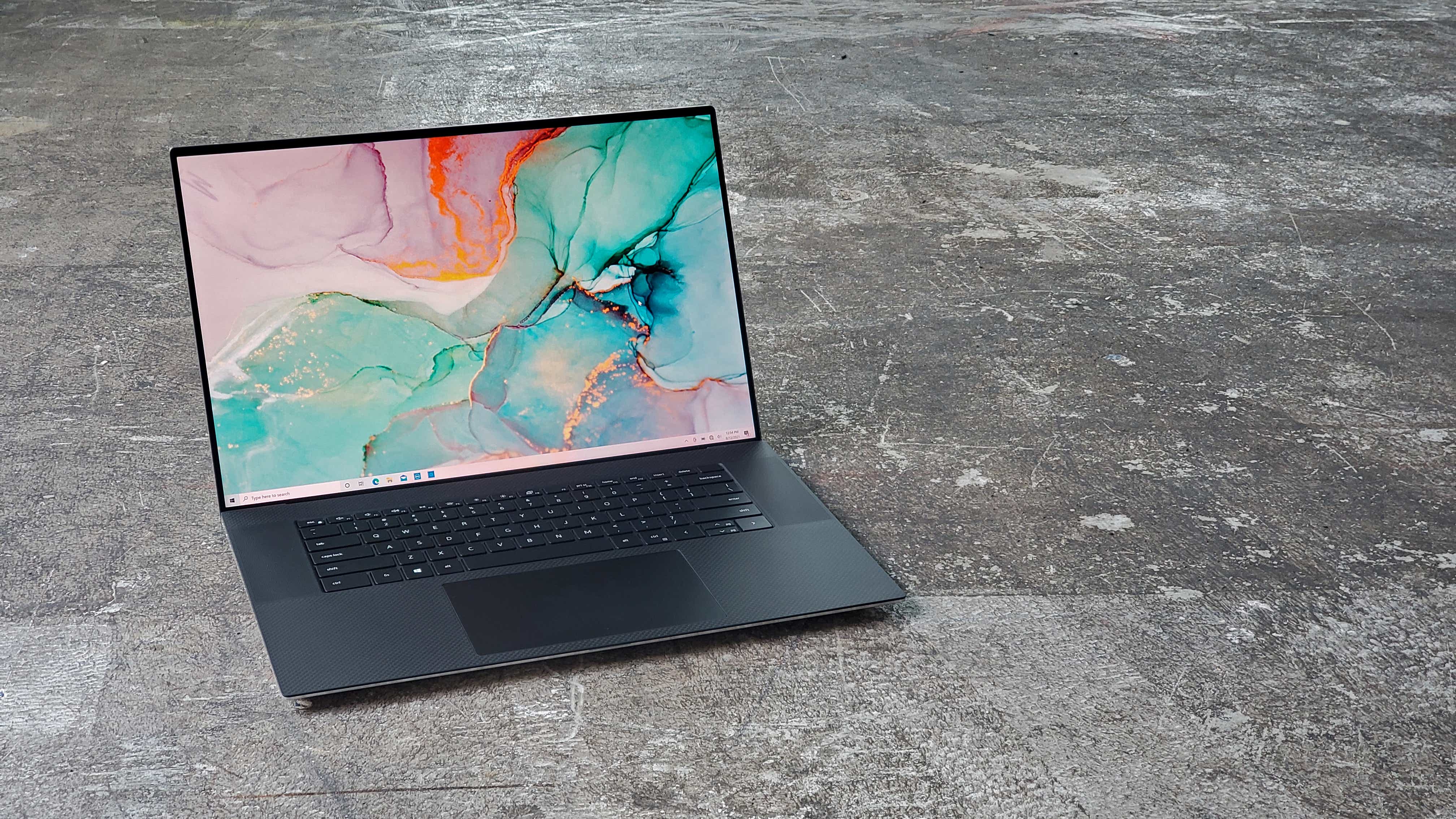
The Dell XPS 17 9710 is a fantastic option for content creators because of its ginormous 17-inch display and 16:10 aspect ratio. Not only is its screen touch-enabled, but it also has a 10-bit color depth and a 3840-by-2400 resolution. According to our review, the laptop isn’t as bulky as you’d think. It weighs about five pounds, which isn’t bad considering how much Dell managed to cram into this machine. As for performance, the pairing of an Intel 11-gen Core i7-11800H processor and a Nvidia GeForce RTX 3060 should make quick work of any video or photo editing.
Read our full
Dell XPS 17 9710review
3. HP Chromebook x2 11 da0023dx – Best convertible Chromebook
Pros
- Gorgeous 2K touchscreen
- Solid performance
- Excellent battery life
- Robust design
Cons
- Trackpad is too sensitive at times
- Light on ports
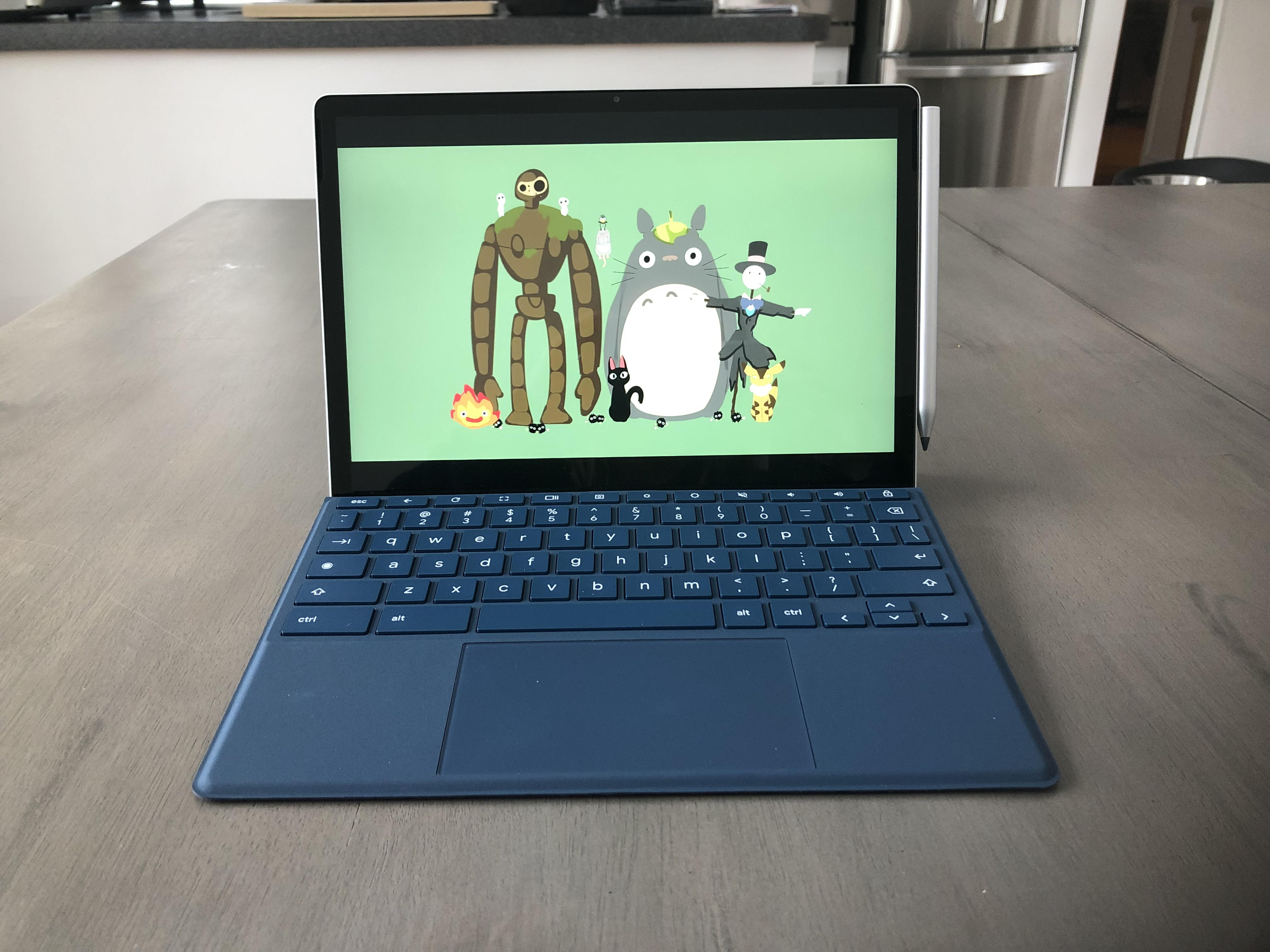
If you’re looking for an affordable 2-in-1, the HP Chromebook x2 11 tics all the right boxes. It’s lightweight and portable, and the detachable keyboard and kickstand connect cleanly to the aluminum tablet. But the real star of the show here is the 11-inch 1440p touchscreen. In our review, the tester said the display was “just plain lovely.” Colors really pop and the touchscreen is super responsive and fluid. Plus, a wireless USI pen comes in the box. This is a great option for those who like to take notes or doodle.
Read our full
HP Chromebook x2 11review
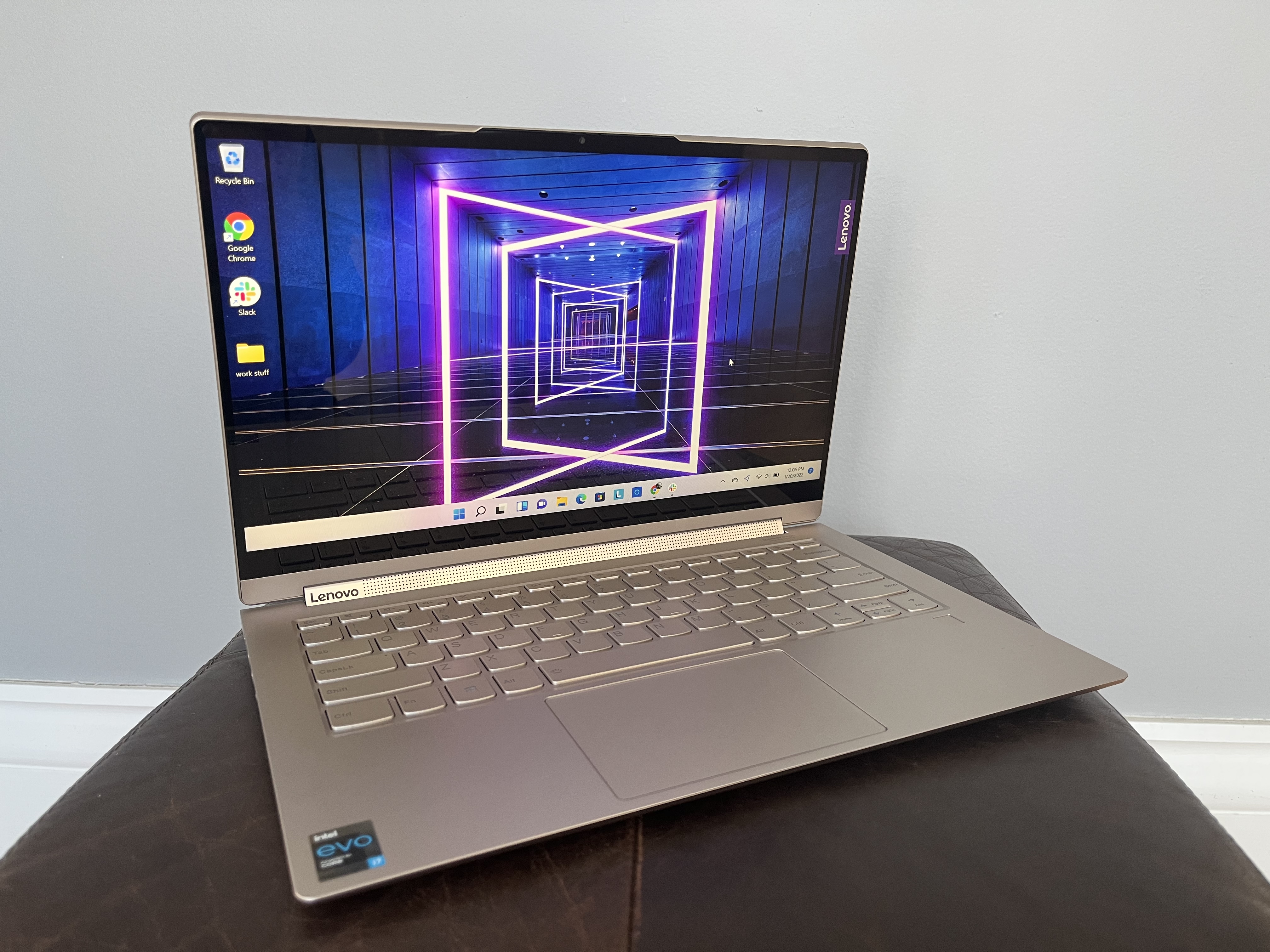
4. Lenovo Yoga 9i – Best 2-in-1
Pros
- Sturdy and sleek all-metal chassis
- Long battery life
- Impressive audio output
- Comfortable keyboard
Cons
- 16:9 screen feels cramped
- Included stylus is too skinny
- Undersized touchpad
- Limited ports all on left side
The Lenovo Yoga 9i has a lot to offer. It features a vibrant display, an all-metal chassis, and long battery life. The 14-inch 1080p touch display is bright at 400 nits and, according to our review, “colors appeared accurate and vibrant.” However, the tester disliked the 16:9 aspect ratio, as he felt it was too wide for productivity work. Generally speaking, taller displays are better for general use or working with long documents. That said, the wider 16:9 is perfectly suitable for watching your favorite flicks. If the aspect ratio doesn’t bother you too much, the Yoga 9i is a solid option.
Read our full
Lenovo Yoga 9ireview
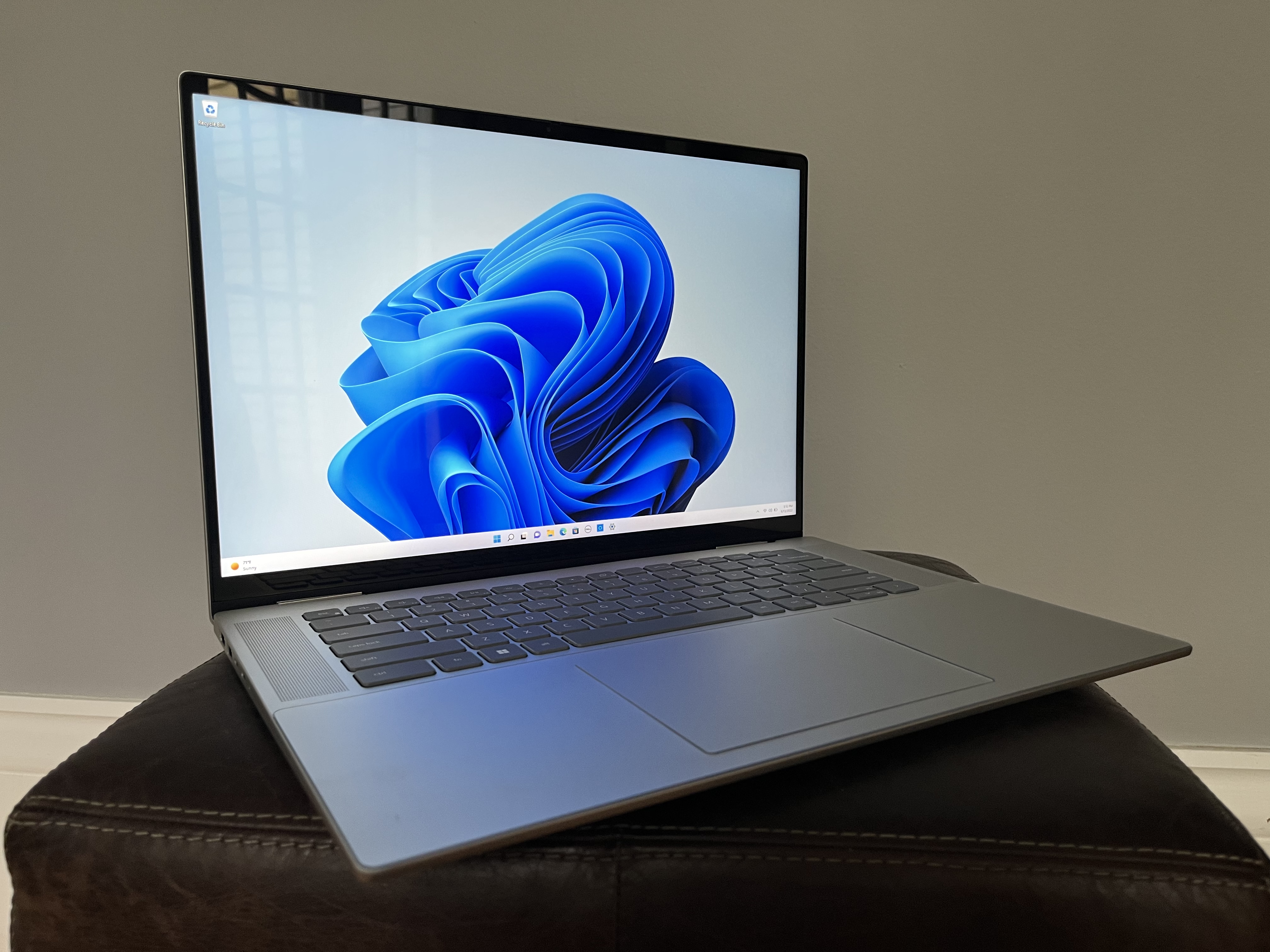
5. Dell Inspiron 16 – Best battery life
Pros
- Roomy 16-inch 16:10 display
- Long battery life
- Competitive application performance
- Comfortable keyboard and huge touchpad
- Quad speakers pump up the jams
Cons
- Lone GPU upgrade is lackluster
- Can’t go bigger than 512GB SSD
- Large screen can feel awkward in tablet mode
Need a touchscreen laptop that’ll run as long as the Energizer Bunny? Look no further than the Dell Inspiron 16. When we ran our battery benchmark, which runs a laptop through a series of tasks and videos until the battery dies, the Inspiron 16 lasted a marathon 16.5 hours on a single charge. That’s almost two full work days—or a really long Netflix binge. That large battery does make it a bit heavy, weighing in at 4.7 pounds, which is a more than some other 2-in-1s. The specs aren’t bad either, sporting an Intel Core i7-1260P CPU, Intel Iris Xe graphics, 16GB of RAM, and 512GB of SSD storage. That’s powerful enough for multitasking, media editing, and more. The 16-inch display has a resolution of 1920×1080 and it also comes with a surprisingly robust quad speaker system. For ports, you’re getting two USB Type-C, one USB-A 3.2 Gen 1, 1 HDMI, one SD card reader, and one 3.5mm audio jack.
Read our full
Dell Inspiron 16 2-in-1review
How we tested
The PCWorld team puts each and every Windows laptop through a series of benchmarks that test GPU and CPU performance, battery life, and so on. The idea is to push the laptop to its limits and then compare it against others we’ve tested. Chromebooks, on the other hand, go through a series of web-based tests. It wouldn’t be fair or possible to run the same kinds of tests on a Chromebook, as they’re Chrome OS-based machines. Below, you’ll find a breakdown of each test and the reasons why we run them.
Windows laptops
- PCMark 10: PCMark 10 is how we determine how well the laptop handles lighter tasks like web browsing, word processing, spreadsheets, and so on.
- HandBrake: HandBrake is more intensive than PCMark 10. It basically measures how long a laptop’s CPU takes to encode a beefy 30GB file.
- Cinebench: Cinebench is a brief stress test of the CPU cores. It does this by rendering a 2D scene over a short period of time.
- 3DMark: 3DMark checks if 3D performance remains consistent over time by running graphic-intensive clips.
- Video rundown test: To gauge battery life, we loop a 4K video using Windows 10’s Movies & TV app until the laptop dies.
Chromebooks
- CrXPRT 2: The CrXPRT 2 benchmark tests a Chromebook’s battery life.
- Speedometer 2.0: This test determines a Chromebook’s web browser performance. It simulates this by adding, completing, and removing a to-do list.
- Basemark Web 3.0: This benchmark gauges how well a Chromebook can handle web-based applications.
- Kraken 1.1: Kraken 1.1 is a JavaScript performance benchmark.
- Jetstream 2: Jetstream 2 is a combination of WebAssembly and JavaScript benchmarks. This is a way to gauge how well a Chromebook runs advanced workloads.
Buying advice
Ah, here we are at the billion dollar question. Do you spring for a basic Chromebook or go for a Windows laptop with more features? Well, it really depends on your personal lifestyle and what you plan on using your laptop for. For example, Chromebooks are a great low cost option for those who just want the basics. I use a Chromebook as my primary work laptop, as it has everything I need for both editing and writing. If you travel a bunch for work, it’s probably a good idea to invest in a laptop with solid battery life. If you’re still unsure, don’t sweat it. I’ve put together a list of quick tips below.
- Laptop type: The first question you should ask yourself is what kind of laptop you’re looking for. There’s traditional clamshells, 2-in-1’s, Chromebooks, and much more. The displays on convertible laptops (aka 2-in-1’s), for example, can swing around 360 degrees. This allows you to use the laptop like a tablet. They can also be propped up like a tent for viewing movies or participating in video calls. Chromebooks, on the other hand, exclusively run Google’s web-focused Chrome OS and are generally used for everyday tasks. All you need is a Gmail account and boom, you’re in. There are pros and cons to each of them. Chromebooks are affordable and generally have good battery life whereas convertibles are normally lightweight and portable.
- CPU: Intel processors are available in Core i3, Core i5, Core i7, and Core i9. The higher the number, the more powerful the CPU. (AMD’s rival Ryzen processors use a similar naming scheme.) If you don’t need a ton of power, Intel Core i5 processors are your best bet, as they offer good performance at a decent price. Basic office and web work gets along just fine on a Core i3, however. A Core i7 is more suited to gaming and more intense work than everyday tasks.
- Graphics: You’ll want a discrete graphics card for hardcore gaming or editing videos. It’s separate from the processor, so you can expect higher performance out of it. Integrated graphics, on the other hand, are attached to the CPU and uses less power as a result. This is perfectly fine for everyday tasks, especially if you’re not doing anything that’s graphics-intensive.
- Display size: If you’re a video editor or someone who does a lot of multimedia work, you’ll want a display that’s anywhere from 15- to 17-inches. The sweet spot is really anywhere from 13- to 14-inches, though. The bigger the display, the heavier your laptop is going to be. A 13- or 14-inch display is the best in terms of portability and value.
- Battery life: If you plan on taking your laptop anywhere with you, aim for something that can last 10 to 12 hours on a single charge. That’s more than a full work day, so it should theoretically get you through long flights or a day of classes. Obviously, more is always better. Just know that the bigger the battery, the heavier the laptop.
- Price: The price really depends on your budget. If you’re strapped for cash (been there, trust me), go for a Chromebook or an entry-level business laptop. These laptops are good choices for students or young professionals. If you can afford to spend more, the versatility of a 2-in-1 laptop is really worth it.
- Ports: A wide array of ports is always a plus in my book, as it eliminates the need for an adapter. I’d recommend a laptop that has both USB-C and USB-A. An HDMI port is good, too. This is especially useful for when you want to hook up to an external monitor.